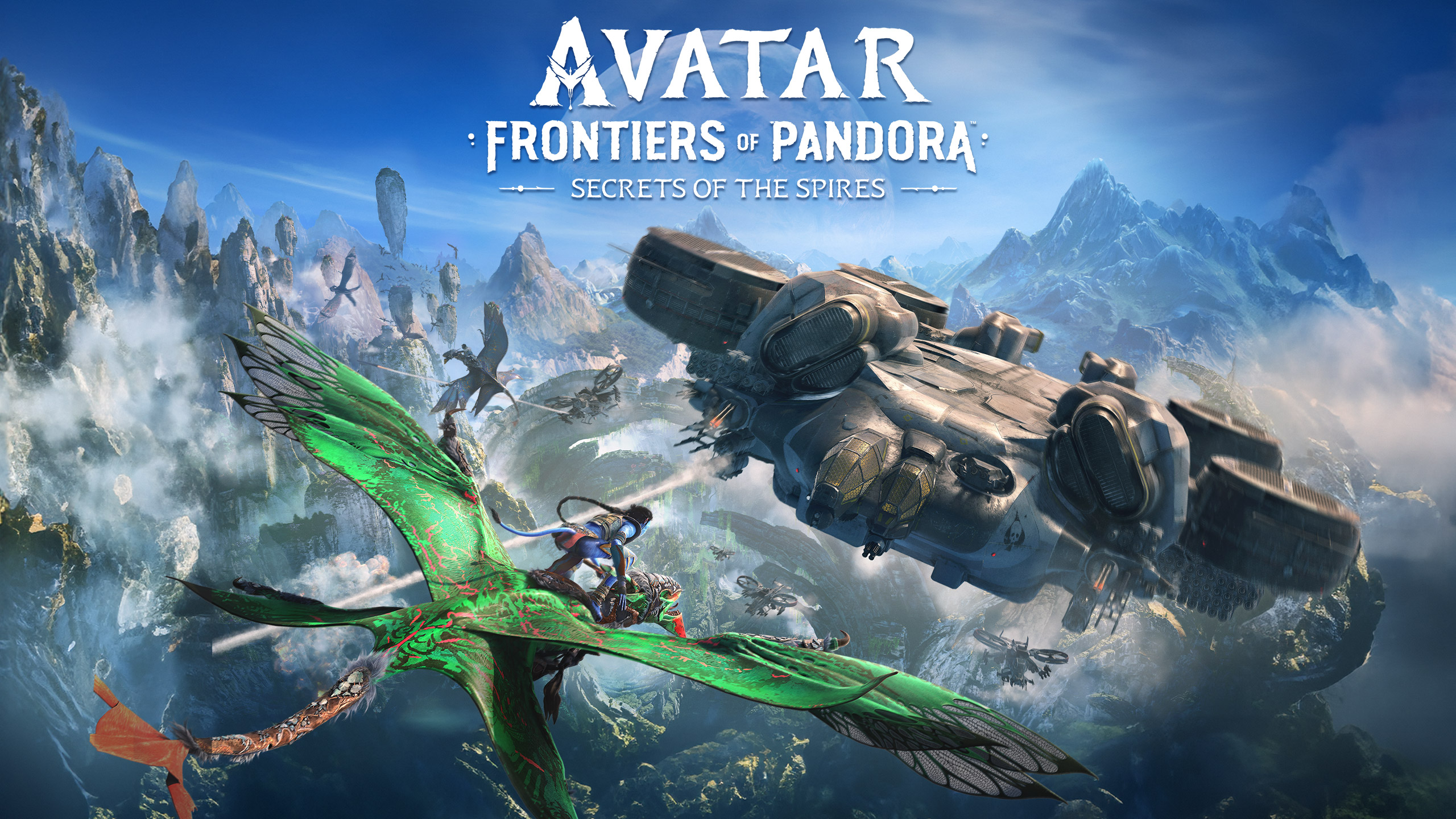
Avatar: Frontiers of Pandora
About Avatar: Frontiers of Pandora
Avatar: Frontiers of Pandora is Massive Entertainment's first-person action-adventure game set in the same universe as James Cameron's Avatar films, featuring an original story independent of the film plots. Players control a character kidnapped and raised as a child by the RDA (Resources Development Administration) who later escapes and returns to their own Na'vi clan, exploring a previously unseen region of Pandora called the Western Frontier while joining the resistance movement against the RDA's exploitation of the planet. The game stands out for its visually stunning recreation of Pandora's vibrant, bioluminescent flora and fauna, and the freedom to choose between bow-and-arrow Na'vi weapons and RDA technology.
Avatar: Frontiers of Pandora System Requirements
Minimum System Requirements
Recommended System Requirements
game_detail_gpu_fps_heading
| Graphics Card (GPU) | Estimated FPS |
|---|---|
| RTX 4090 | 94 |
| RTX 4070 SUPER | 94 |
| RTX 4060 Ti | 68 |
| RTX 3060 | 57 |
| GTX 1660 SUPER | 41 |
Calculated at 1080p · High settings, with Ryzen 7 7700X held constant.
Frequently Asked Questions
What are the Avatar: Frontiers of Pandora system requirements?
Minimum System Requirements: NVIDIA GeForce RTX 2060 Super / AMD Radeon RX 5700 XT, Intel Core i7-8700K / AMD Ryzen 5 3600, 16 GB. Recommended System Requirements: NVIDIA GeForce RTX 3070 Ti / AMD Radeon RX 6800 XT, Intel Core i7-11700K / AMD Ryzen 7 5800X, 16 GB.
How many FPS will Avatar: Frontiers of Pandora run at, and can my PC handle it?
The fastest way to find out for sure is the free FPS Driver calculator above — pick your hardware and see an estimated FPS for Avatar: Frontiers of Pandora in seconds.
What's the difference between minimum and recommended requirements?
Minimum requirements are the least hardware needed to run the game at its lowest settings, usually around 30 FPS. Recommended requirements are the hardware suggested for a smoother experience at medium-high settings, typically around 60 FPS.
How can I get more FPS in Avatar: Frontiers of Pandora?
Keep your graphics card drivers up to date, lower a few graphics settings (shadows, reflections, draw distance), close unnecessary background apps, and try disabling V-Sync. If you're considering a hardware upgrade: Hardware By Game