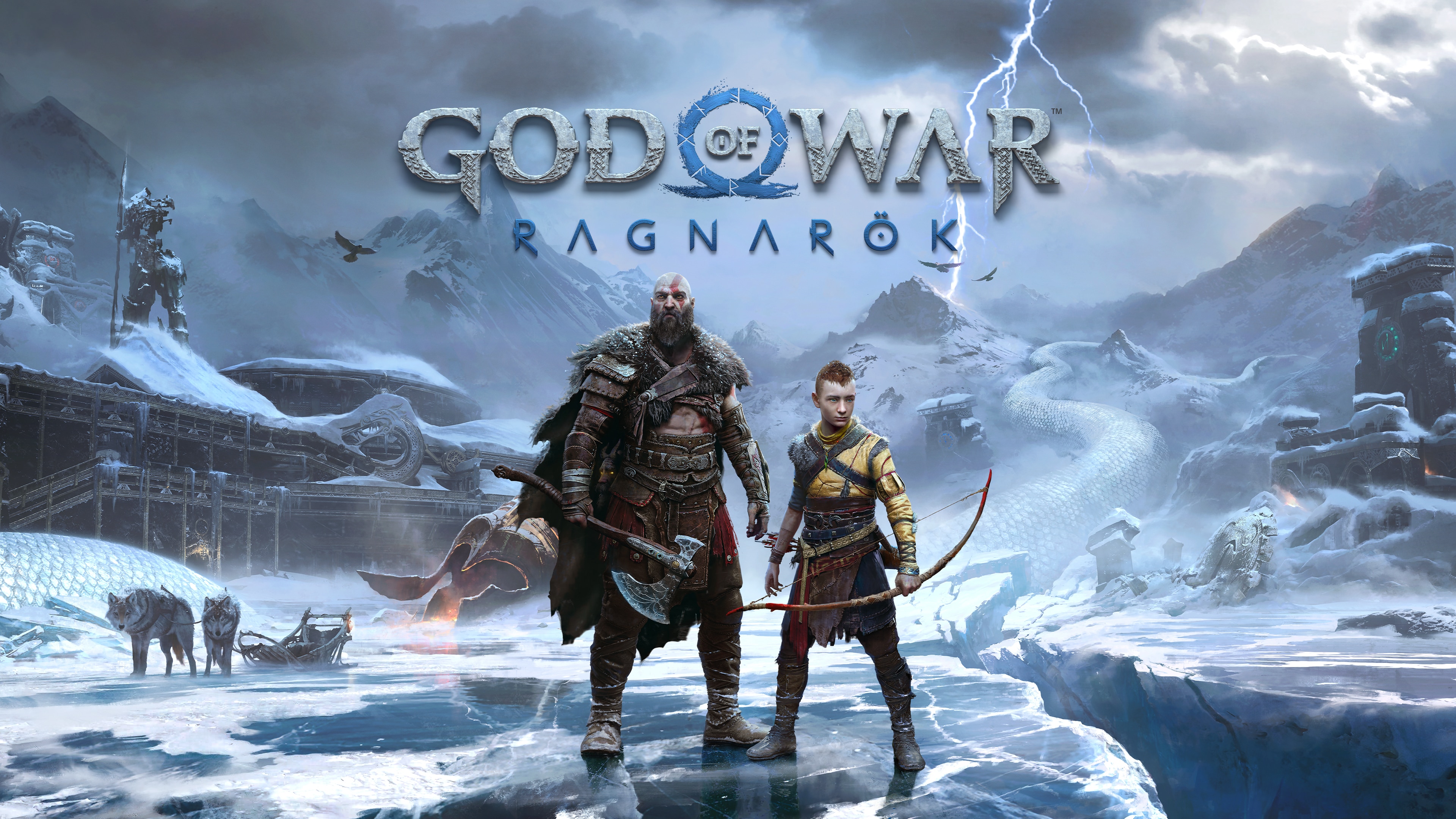
God of War Ragnarök
About God of War Ragnarök
God of War Ragnarök is Santa Monica Studio's sequel to 2018's God of War, carrying Kratos and his son Atreus's story through the Norse mythology universe toward the prophesied arrival of Ragnarök, the end of the world. The game lets players explore all nine Norse realms (including Midgard, Alfheim, Vanaheim, and previously inaccessible regions); Kratos's hook-heavy combat with the Leviathan Axe and Blades of Chaos is expanded with new weapon combos and skill trees. The emotional depth of the father-son relationship forms the game's narrative core, with Atreus now getting playable sections as a more independent warrior. Released on PlayStation in 2022 and arriving on PC in 2024, it earned Game of the Year nominations for its strong storytelling and visual quality.
God of War Ragnarök System Requirements
Minimum System Requirements
Recommended System Requirements
game_detail_gpu_fps_heading
| Graphics Card (GPU) | Estimated FPS |
|---|---|
| RTX 4090 | 117 |
| RTX 4070 SUPER | 112 |
| RTX 4060 Ti | 84 |
| RTX 3060 | 72 |
| GTX 1660 SUPER | 53 |
Calculated at 1080p · High settings, with Ryzen 7 7700X held constant.
Frequently Asked Questions
What are the God of War Ragnarök system requirements?
Minimum System Requirements: NVIDIA GeForce GTX 1060 6GB / AMD Radeon RX 570, Intel Core i5-6600K / AMD Ryzen 5 2400G, 8 GB. Recommended System Requirements: NVIDIA GeForce RTX 2070 Super / AMD Radeon RX 6700 XT, Intel Core i5-11600K / AMD Ryzen 5 5600X, 16 GB.
How many FPS will God of War Ragnarök run at, and can my PC handle it?
The fastest way to find out for sure is the free FPS Driver calculator above — pick your hardware and see an estimated FPS for God of War Ragnarök in seconds.
What's the difference between minimum and recommended requirements?
Minimum requirements are the least hardware needed to run the game at its lowest settings, usually around 30 FPS. Recommended requirements are the hardware suggested for a smoother experience at medium-high settings, typically around 60 FPS.
How can I get more FPS in God of War Ragnarök?
Keep your graphics card drivers up to date, lower a few graphics settings (shadows, reflections, draw distance), close unnecessary background apps, and try disabling V-Sync. If you're considering a hardware upgrade: Hardware By Game
Where to Buy
Screenshots